Glass. Or Material.
A desktop for Hyprland in two looks: glass that bends what's behind it, or Material in your wallpaper's colours. An island in the menu bar, your Android phone and earbuds close at hand, and an assistant that's yours. On Arch Linux, next to the desktop you already have.
Two looks. One desktop.
Glass, after macOS. Or Material, after Android 17: colours from your wallpaper, bold shapes and springy motion. Every feature works in both.
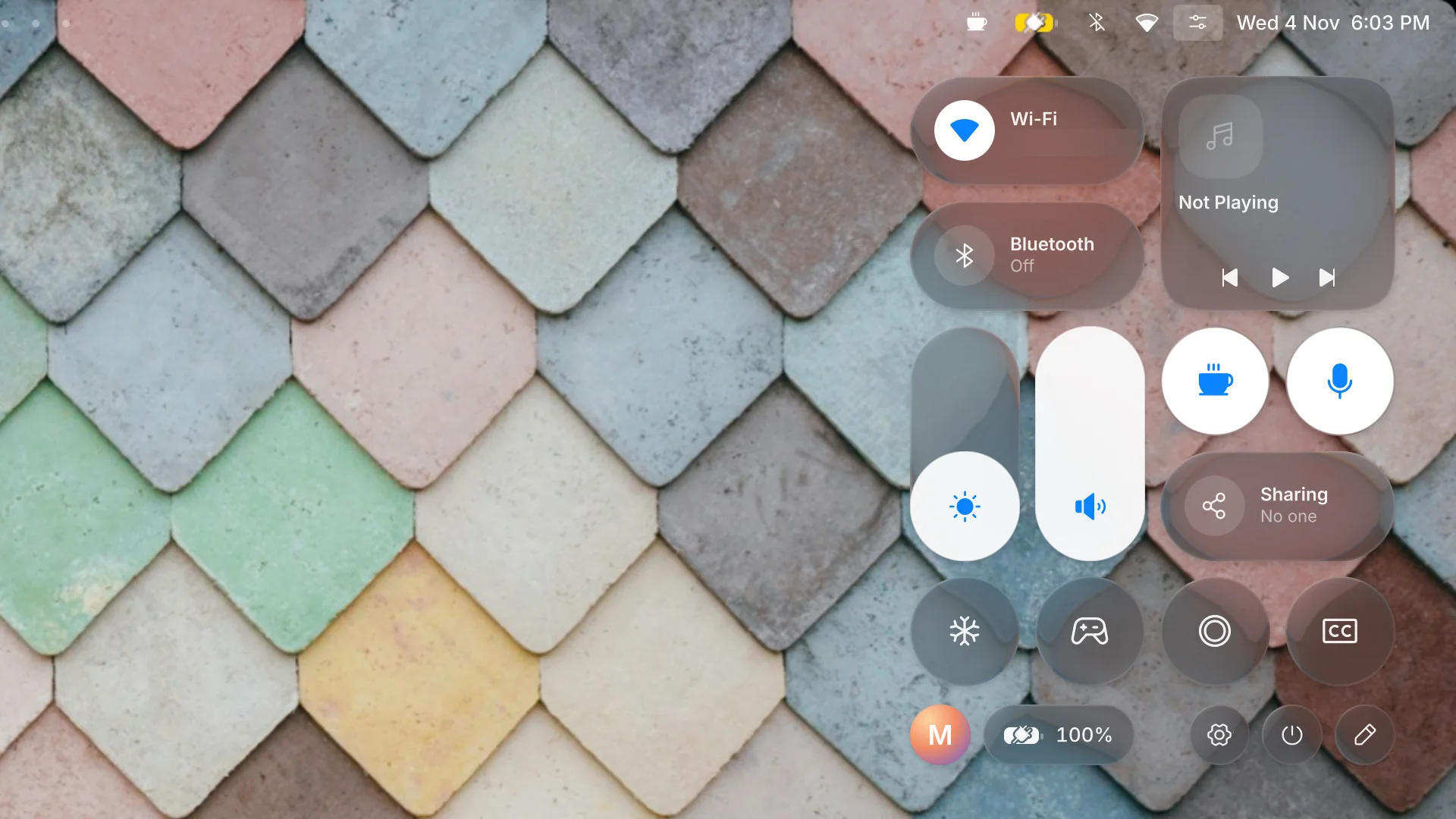
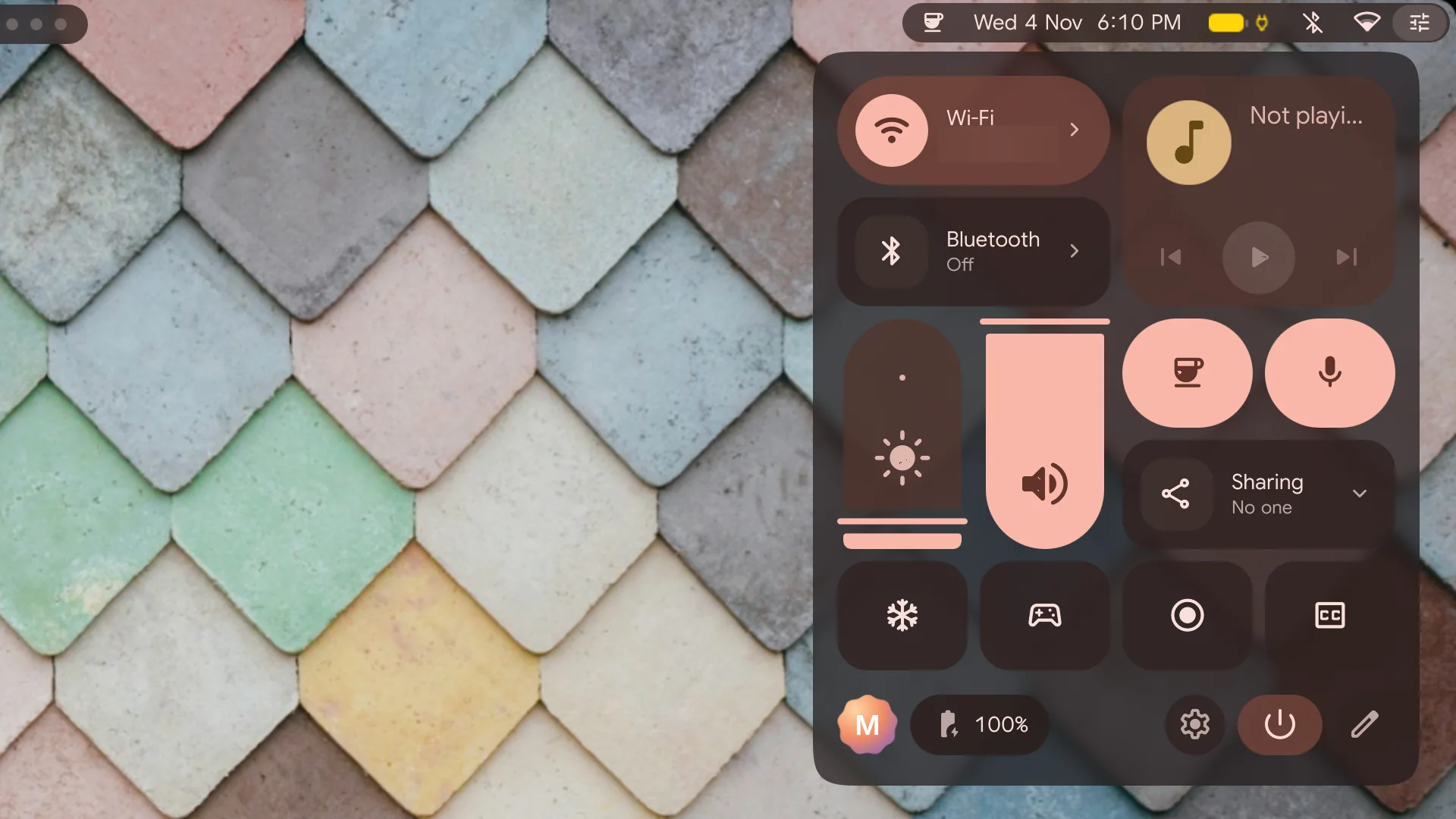
New
Point at it. Ask about it.
Circle anything on the screen, copy the words in a picture, and ask an assistant that runs the model you choose. Each one a keystroke away, in both looks.
Just ask… anything.
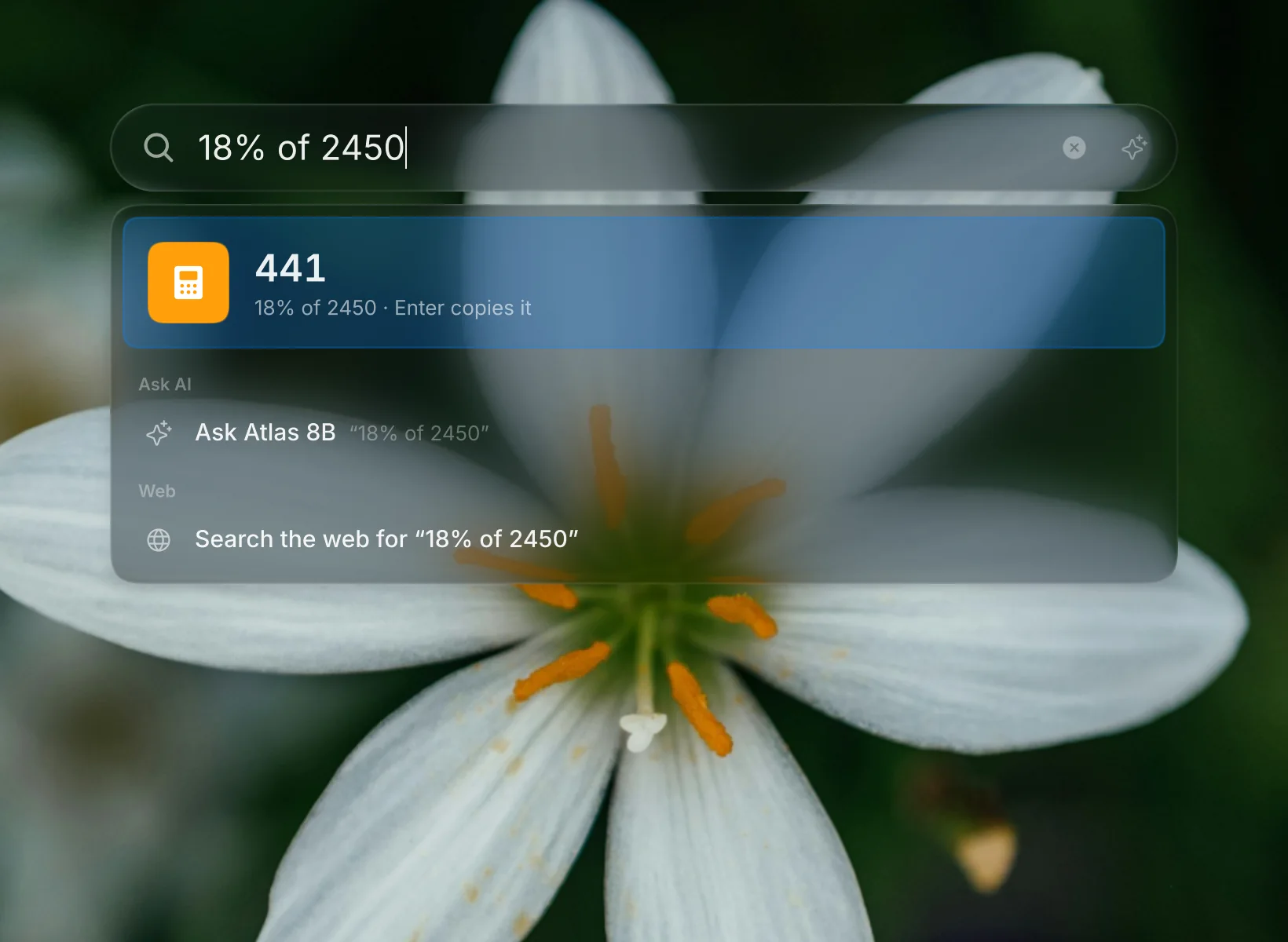
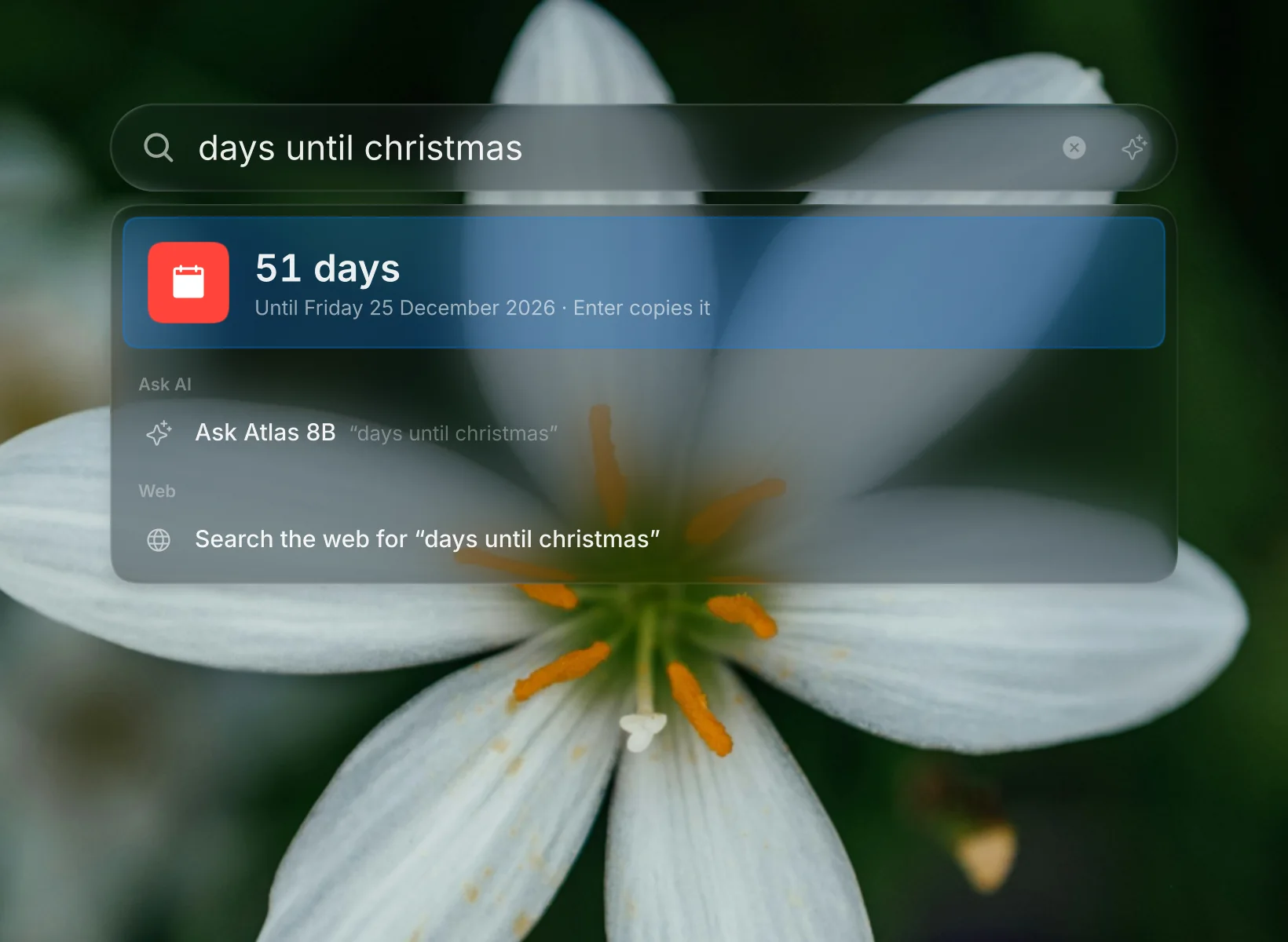
Search answers sums and conversions as you type. Ask it something bigger and the answer streams in right there, then carries on in the AI sidebar with one key. Your model: local, or any endpoint you trust.
Circle anything.
Draw round what's on the screen and look it up: a flower, a building, a product. The picture goes to the web only when you ask.
Copy text from pictures.
Photos and screenshots are read on this computer, nothing uploaded. Select the words like any text, or copy them all.
Bedside Mode, then a glance.
Charging and left alone, the lock screen becomes a clock and your calendar. Come back and it unlocks with your face or a finger.Face: Preview
Captions, and dictation.
Live captions over anything that plays, and a note written as you speak. Both offline, on this computer.
Glass you can tune.
How much it bends, blurs, tints and splits light, each on its own slider, live. From a flat pane to a thick lens.
Colours that follow you.Material
Change the wallpaper and the whole desktop takes its colours.
Only on Tessera
What a Linux desktop doesn't usually do.
Things you won't find in other rices or desktops, as far as we know. Built in, not bolted on.
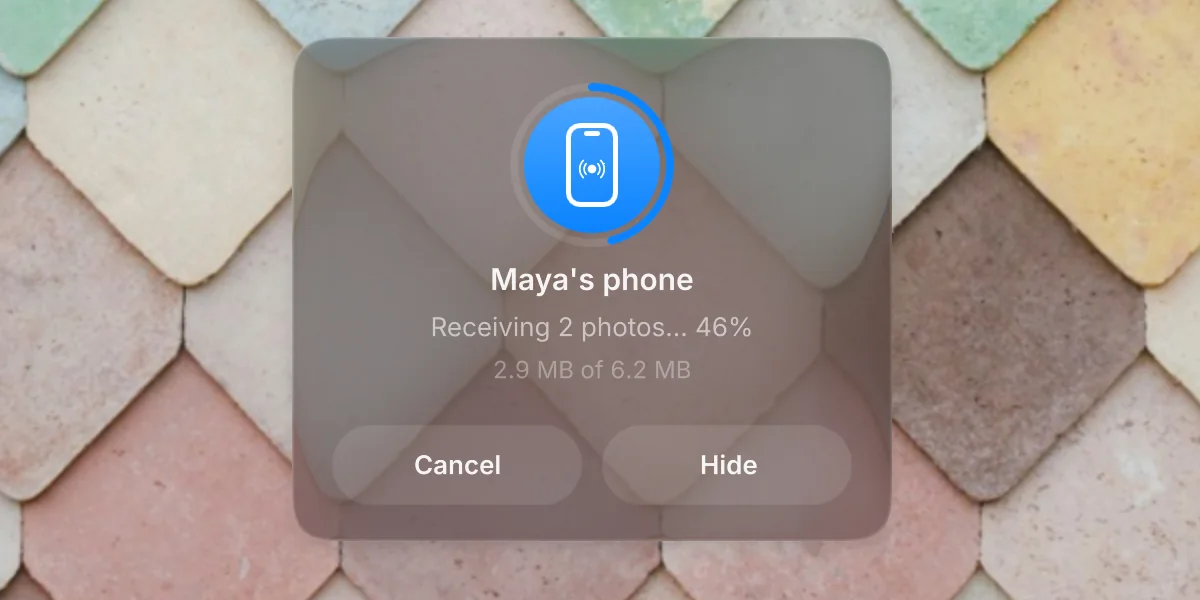
Quick Share, both ways.
Send photos and files to and from Android phones. Over Wi-Fi Direct at full speed, without dropping your Wi-Fi, or over Bluetooth when there's no network at all.
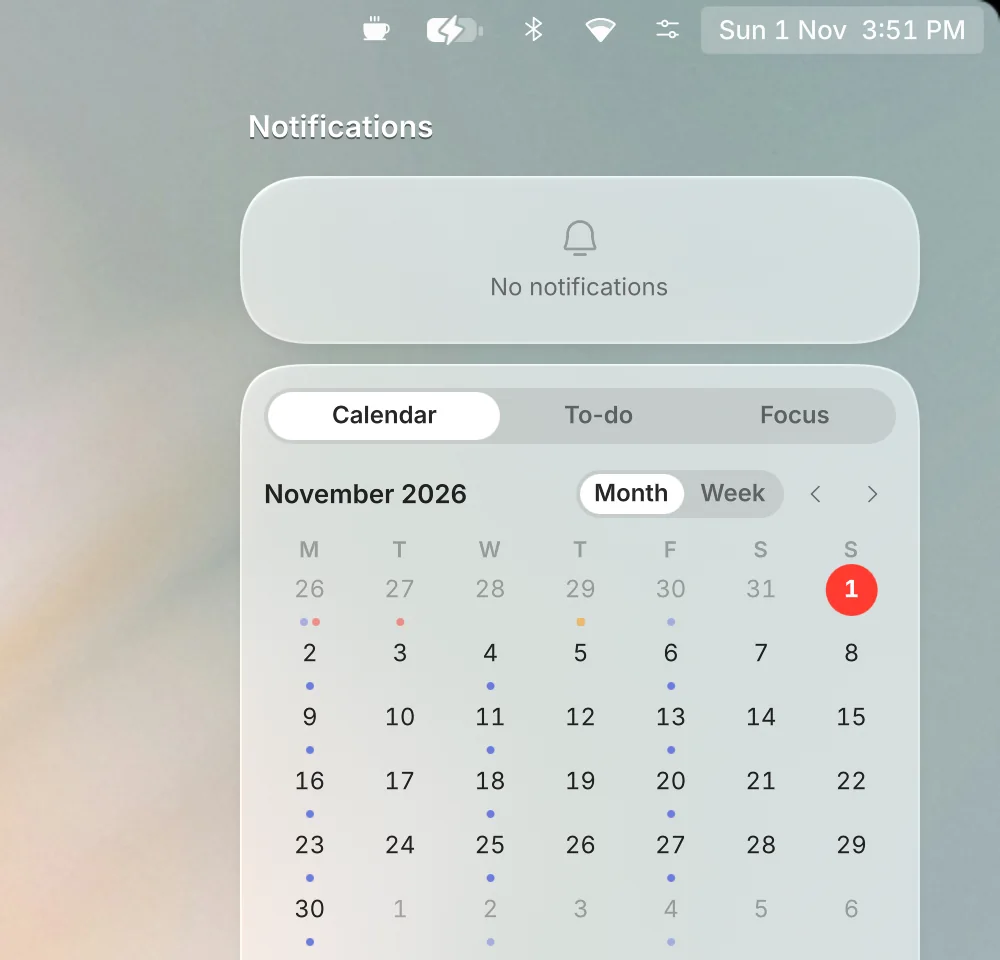
Everything in its place.
Alerts, your calendar, to-dos and focus in one sheet.
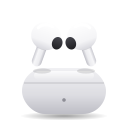
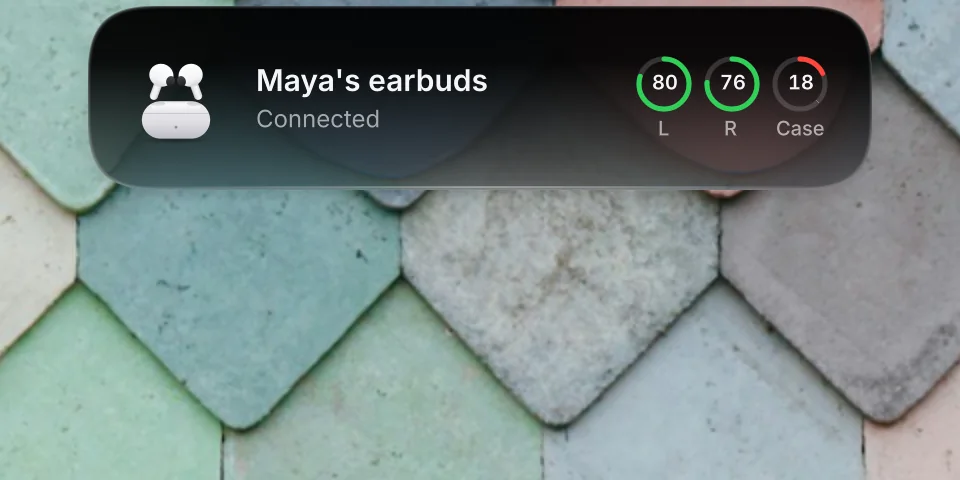
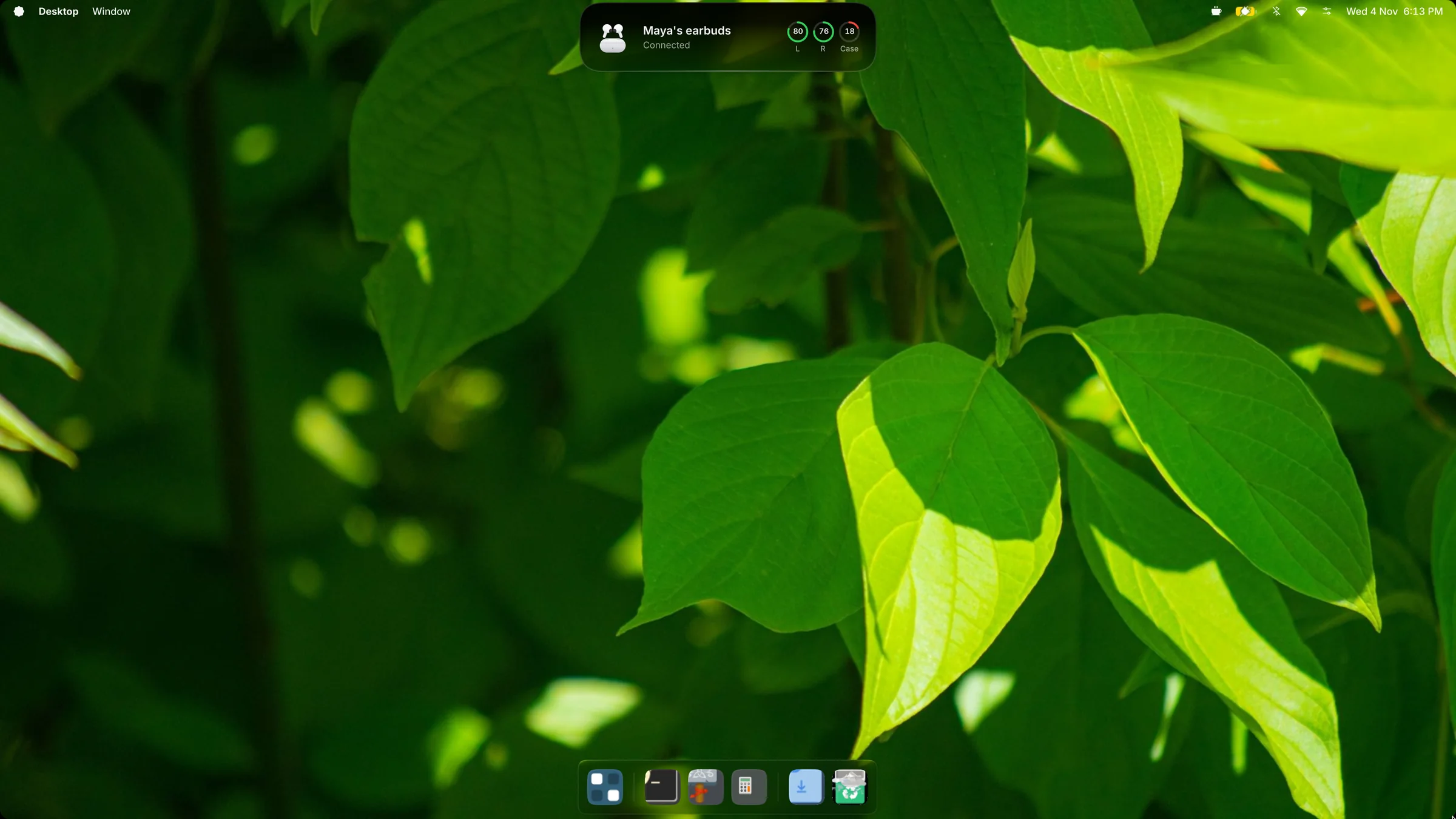
Earbuds in one click, with every battery.
Open the case and your earbuds are there, with their picture (it works with Google Fast Pair). One click connects them, then each earbud's battery and the case's trace in, with a warning before they run out.
Undo an update.Preview
Something broke after an update? Go back to the exact versions you had, from the package cache. Updates never overwrite a setting you've changed.
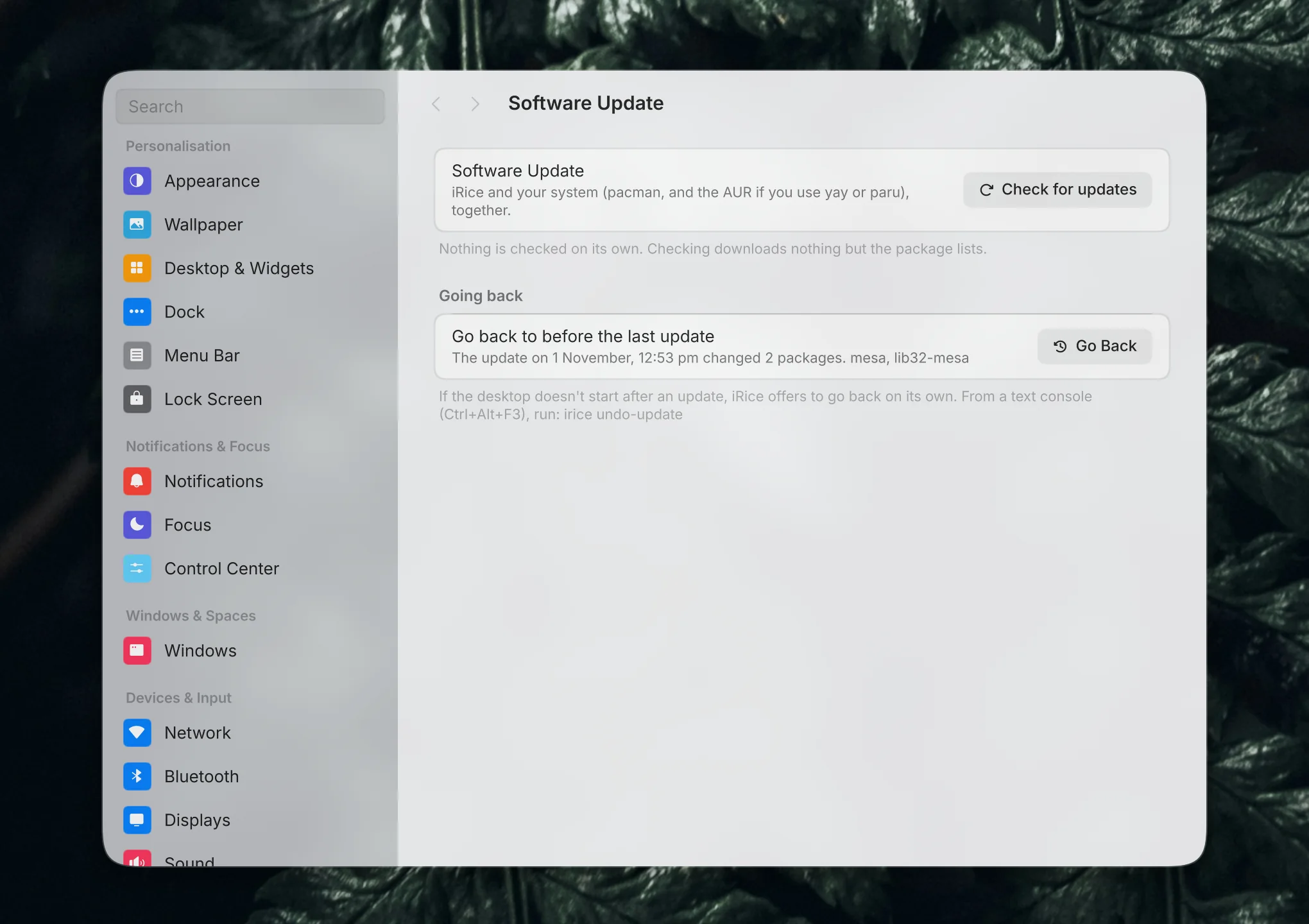
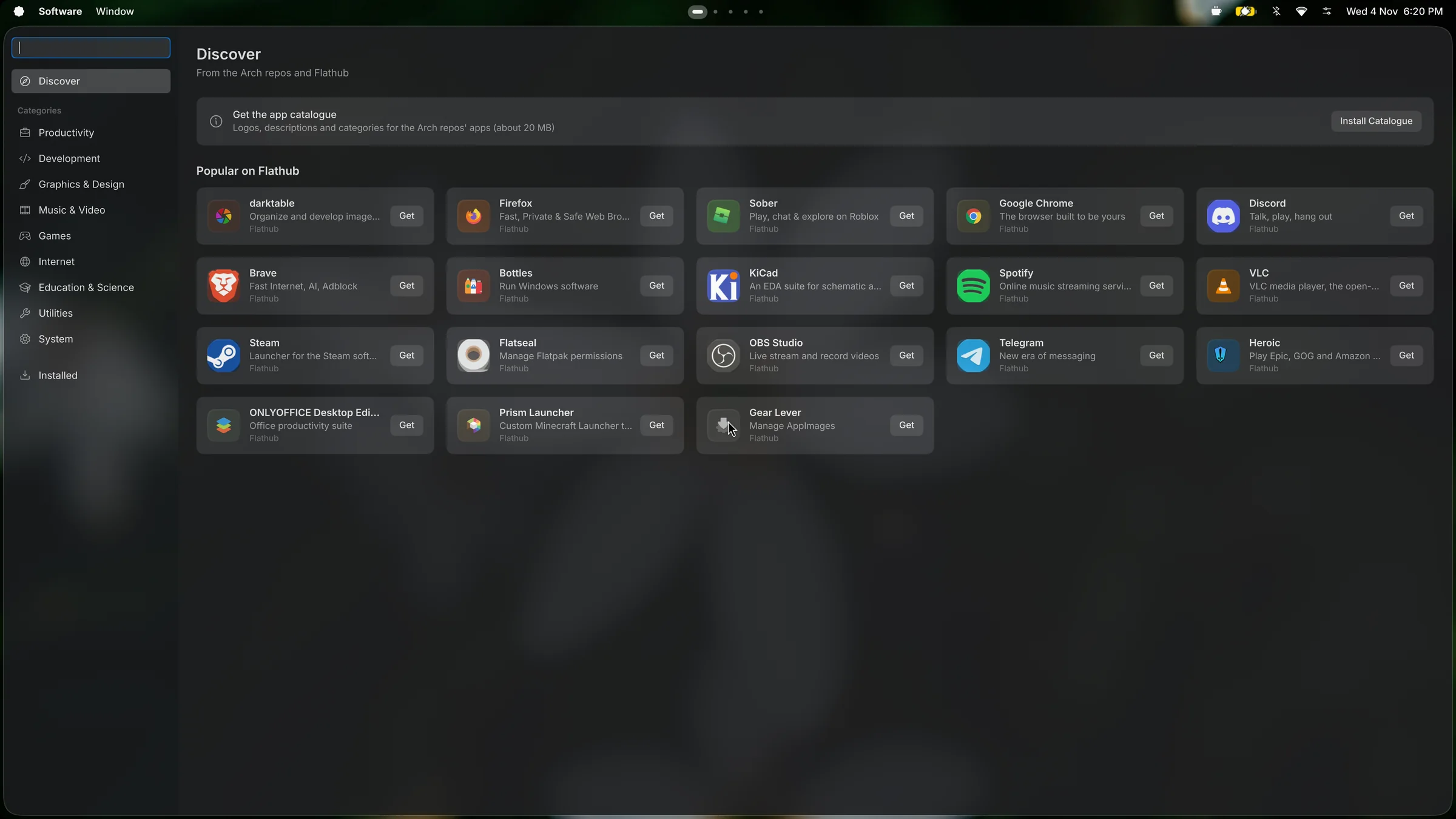
Software for Arch, in one place.
Apps from the Arch repositories and Flathub in one place, with pictures and descriptions. The AUR is there when you ask for it. Search finds apps you don't have yet, too.
Your devices and accounts.
Ones marked Preview are built and working in testing, waiting to be checked with real hardware.
Made to disappear.
A desktop you look through, not at. Neutral surfaces, colour only where it means something, one typeface, one shape, and motion that explains instead of decorates. It steps aside for your work and speaks up only when something needs you.

 Soft and calm
Material
Type
Icons and devices

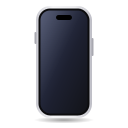
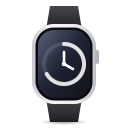
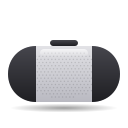

 Round shapes
Components
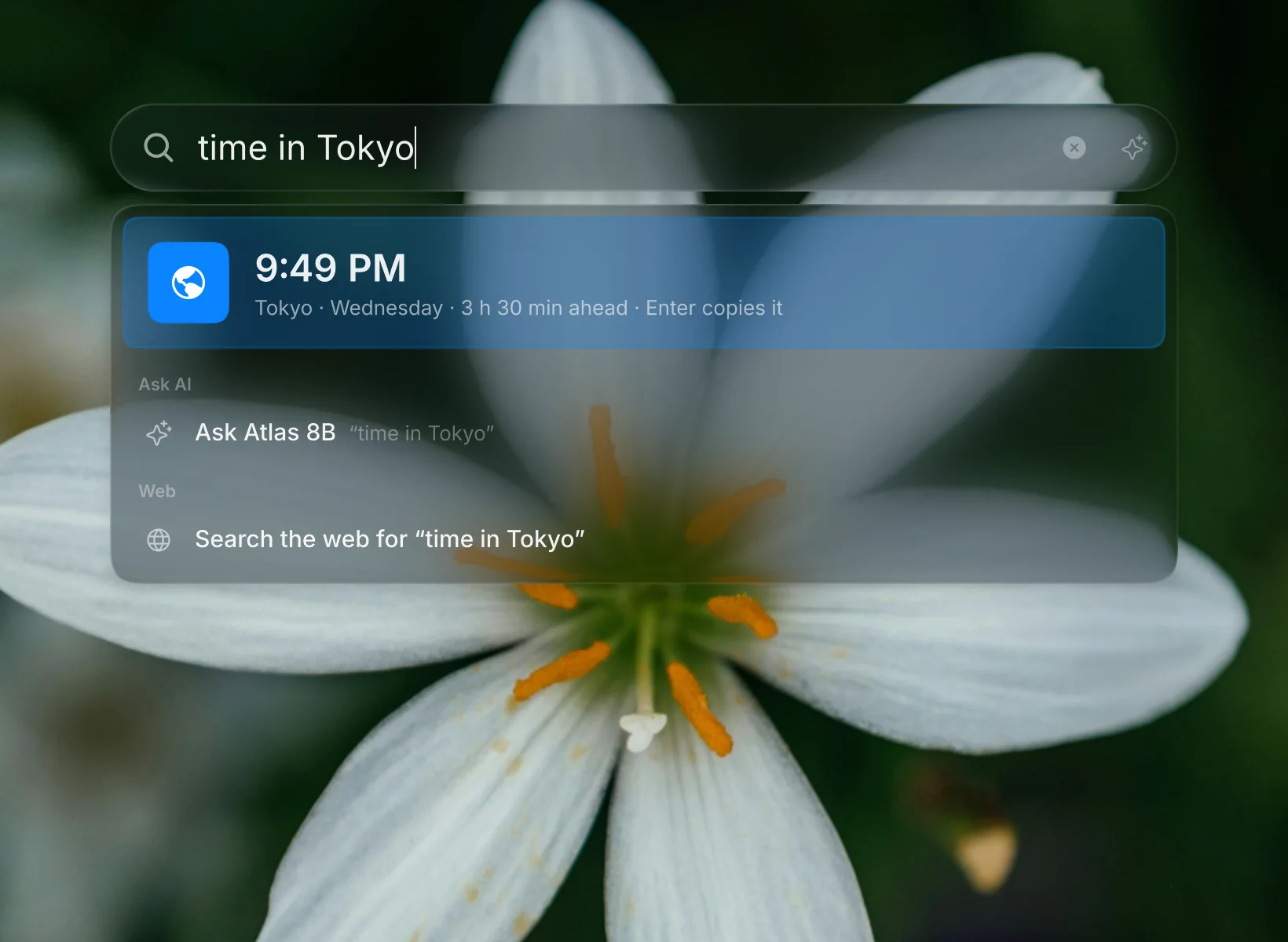
Ask it like you'd say it.
"18% of 2450", "days until christmas", "time in Tokyo", "5 km in miles", "remind me to call mum at 6". The answer comes up big, and Enter copies it or does it.
And everything you'd expect.
- Display arrangement, resolution, scale and rotation
- Mouse and trackpad, with momentum scrolling
- Editable gestures and shortcuts
- Window tiling, snapping and Stages
- All Windows and the App Drawer
- Clipboard history and an emoji picker
- A drop shelf: shake a file drag, keep it for later
- Screenshots with markup, screen recording
- Circle anything, and copy text from pictures
- Translate text on the screen
- Notes, reminders and a calendar
- Focus modes
- Desktop widgets and Widget Stacks
- Dynamic and live wallpapers
- A matching login and lock screen, and Bedside Mode
- An AI sidebar that keeps your chats, with the model you choose
- Night light and caffeine
- Per-app volume, output and input pickers
- Window rules
- Cool-down when the laptop runs hot
- Glass, Frost or Solid; Subtle, Snappy or Expressive motion
- Smooth while other apps are busy
One line. Two minutes.
It runs on its own console. Your ~/.config and usual session aren't touched.
bash <(curl -fsSL https://tessera.monishbl.in/get)
Arch Linux or Arch-based (CachyOS, EndeavourOS). It asks before installing packages. Add --with-settings to start from the shared look.
- Switch to a free console.Press Ctrl Alt F3 and log in.
- Start Tessera.The check says what's missing, if anything.
cd ~/iRice && ./demo.sh --check && ./dev.sh tty
- Leave when you like.Super Shift Esc ends it. Ctrl Alt F1 takes you back.
New features. Your settings.
Tessera checks every few hours. If an update touches something you've changed, you decide before anything installs.
Why is it called Tessera now?
It was iRice. With a second look, Material, it needed a name of its own. A tessera is one tile of a mosaic: many small pieces that make one picture. Its mark is the Badge, the wavy seal. If you had iRice, the next update moves your settings by itself; the rename notes list the one-time setup.
What happens when an update conflicts with my changes?
Open Settings → Software Update. Each conflict waits for your choice:
- Settings with new defaults
- Keep yours, or take the new default.
- Your glass material
- Keep your look (saved as Custom), or take the new one.
- Shortcut clashes
- Keep yours, or take the new shortcut.
- Files you edited
- Keep both changes when they fit, or only yours, or only the update's.
Settings and shortcuts are backed up before anything changes.
How do I switch between Glass and Material?
Settings → Appearance → Look, then pick one. The shell restarts in a few seconds; your apps stay open. Material is experimental: if it doesn't start, Tessera switches back to Glass by itself and tells you.
Which AI does the sidebar use?
The one you choose in Settings → AI: a model on this computer, or any endpoint you have a key for. Nothing is sent anywhere until you set one up. Chats are kept on this computer, and you can delete them.
How do I share my look with a friend?
Download the shared look, unpack it, and run ./import.sh --repo ~/iRice. It carries glass, colours, menu bar and dock, and no personal data. Current settings are backed up first.
The glass looks flat, not refractive
The glass plugin didn't build for your Hyprland. Run ~/iRice/tools/setup-tty.sh again after a Hyprland update.
Animations feel choppy on a laptop
Check the display isn't stuck at a low refresh rate. Cool-down lowers it while the laptop is hot, and gives it back after.
The screen froze
From another console (Ctrl Alt F4), run cd ~/iRice && ./dev.sh tty-stop.
How do I remove it?
Delete the ~/iRice folder. Nothing else was changed.